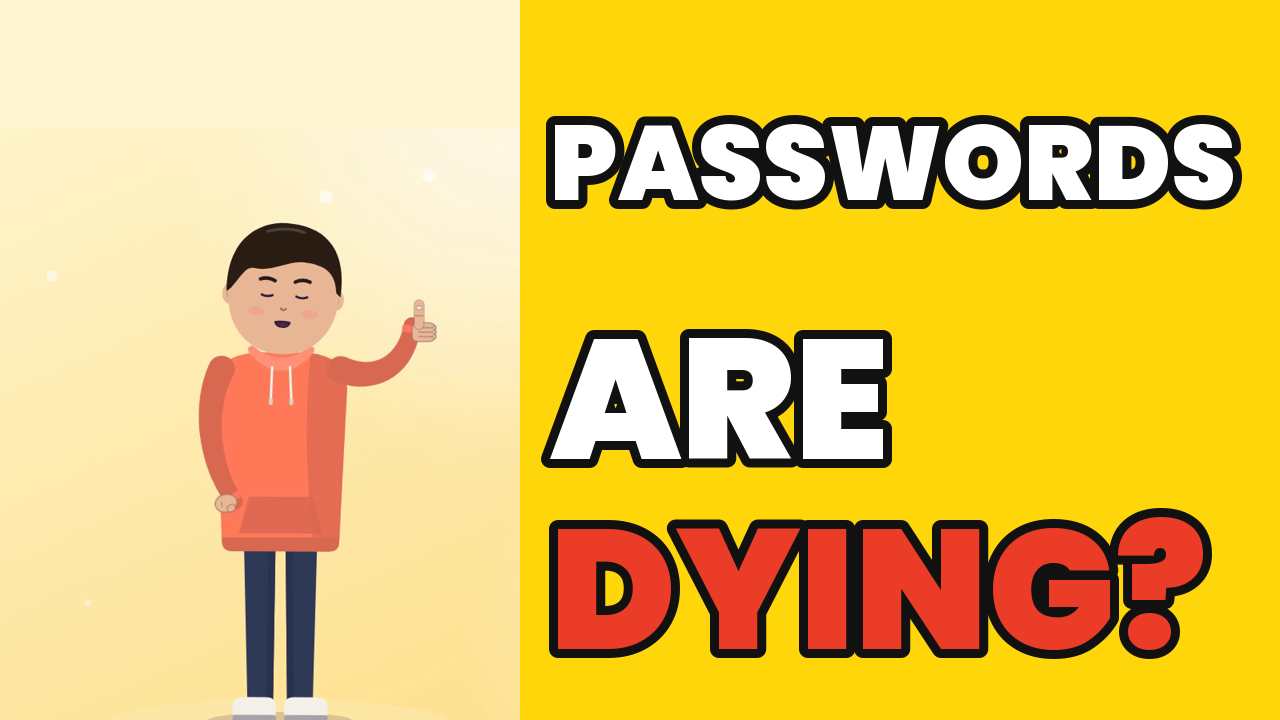
Passwords have been the front door of the internet for decades, and they're the reason most accounts get taken over. Passkeys are the replacement that Google, Apple, Microsoft and a growing list of sites already support. The short cartoon above covers the idea in under a minute. This article goes deeper: what changes when you switch, why phishing stops working, and what passkeys don't fix.
If you want the full technical walkthrough, read our earlier explainer, How Passkeys Work. To set one up right now, follow How to Set Up a Passkey on Your Google Account.
The problem with passwords
A password is a shared secret. You know it, and the website stores something derived from it. That design causes three problems:
- You can be tricked into typing it. A phishing email links to a page that looks exactly like your bank. You type your password, and the attacker now has it. A one-time SMS code doesn't fully help, because the fake page can ask for the code too and pass it straight to the real site.
- It can leak from the server. When a company is breached, attackers walk off with password hashes. Weak or common passwords can be cracked offline.
- People reuse it. One leaked password gets tried on hundreds of other sites. This is called credential stuffing, and it works because reuse is so common.
Making passwords longer helps with cracking, but it does nothing against a convincing fake login page. That's the gap passkeys close.
What a passkey actually is
A passkey is a pair of cryptographic keys created for one specific website or app:
- The private key stays with you, on your phone, computer, password manager or a hardware security key.
- The public key is given to the website. On its own it can't be used to sign in.
When you sign in, the site sends a random challenge. Your device asks you to unlock it with your fingerprint, face or screen PIN, then uses the private key to sign the challenge. The site checks the signature with the public key. If it matches, you're in. The private key never leaves your device, and nothing you could type is ever sent.
One common confusion: your fingerprint or face is not the passkey, and it is not sent to the website. Biometrics only unlock the key locally. If you'd rather not use biometrics, your device PIN or pattern works too.
Why phishing stops working
This is the biggest win. A passkey is tied to the exact domain it was created for, such as accounts.google.com. The browser or operating system enforces that rule, not you.
So when a phishing email sends you to accounts-google-login.example, there is simply no passkey for that domain. Your device won't offer one, and there is no password field you can be tricked into filling. You can't hand over what you never type.
Compare that with passwords, where everything depends on you noticing a fake URL while in a hurry on a small phone screen. Passkeys move that check from human eyes to software.
What a data breach leaks
If a website using passkeys is breached, attackers get a list of public keys. Those can't be used to sign in and can't be "cracked" back into a private key with today's computers. Compare that with a dump of password hashes, where weak passwords fall quickly.
That doesn't make breaches harmless. Your name, email, address and other account data can still leak. Passkeys protect the sign-in, not everything else a company stores about you.
Passkeys vs passwords at a glance
| Password | Password + SMS code | Passkey | |
|---|---|---|---|
| Can be typed into a fake site | Yes | Yes (both) | No |
| Server stores a secret | Yes (hash) | Yes | No (public key only) |
| Reused across sites | Often | Often | Never (one per site) |
| Something to remember | Yes | Yes | No |
| How you sign in | Type it | Type it + code | Fingerprint, face or PIN |
What passkeys don't fix
The video keeps it short, so here's the honest fine print:
- They're not magic or "unbreakable". Malware on an unlocked device, a stolen phone with a weak screen PIN, or a scam that convinces you to approve a new sign-in can still cause trouble.
- Account recovery is the weak spot. Many sites still let you fall back to a password, SMS or email reset. An attacker may target that route instead. Keep recovery options up to date.
- Not every site supports them yet. You'll still need a good password manager for the rest.
Even with those caveats, passkeys remove the most common attacks: phishing, reuse and cracked password dumps.
Losing your phone
Most passkeys today are synced. If you use iCloud Keychain, Google Password Manager or a third-party password manager, your passkeys are backed up there and reappear when you sign in on a new device. Passkeys stored only on a hardware security key don't sync, which is why it's smart to register two keys or keep another sign-in method.
You can also use a passkey from your phone on a computer you don't own: the computer shows a QR code, you scan it with your phone, and your phone confirms over Bluetooth that it's physically nearby.
How to start today
- Google: go to your Google Account, open Security, choose "Passkeys and security keys" and create one. Step-by-step: our Google passkey guide.
- Apple Account: on a recent iPhone, iPad or Mac, passkeys are saved in iCloud Keychain automatically when a site or app offers one.
- Everywhere else: when a site says "Create a passkey" or "Sign in faster", say yes. It takes seconds.
Start with your email account. It's the key to resetting every other password you own, so it's the one most worth protecting.
Watch the 35-second Short
Prefer vertical? Here's the same idea as a YouTube Short: Passwords Are Dying? Meet Passkeys.
The bottom line
Passwords aren't gone overnight, but the direction is clear. A passkey turns sign-in from "remember and type a secret" into "prove you hold a key, on the real site, with your own device." That one change makes phishing pages, reused passwords and cracked password dumps far less useful to attackers. Turn on passkeys for your most important accounts today, and keep your recovery options tidy.
Frequently asked questions
Is a passkey more secure than a password?
+
For most people, yes. A passkey is a key pair: the private key stays on your device or in your passkey manager and the website stores only the public key. There is no shared secret to type into a fake site, reuse across sites, or leak from the server.
Can a passkey be phished?
+
A passkey is bound to the real website's domain, so your browser or phone will not use it on a look-alike phishing domain. Attackers can still try other tricks, such as getting you to approve an account recovery or hand over a backup code, so stay alert.
Does the website get my fingerprint or face?
+
No. Your fingerprint, face or PIN only unlocks the passkey on your device. The website never receives your biometric data; it only receives a signature proving you have the private key.
What happens if I lose my phone?
+
Synced passkeys (iCloud Keychain, Google Password Manager or a third-party password manager) come back when you sign in to that provider on a new device. Keep a recovery method set up on important accounts just in case.